How I Use Claude Code for Frontend Development
I've stopped writing most of my frontend code manually. Here's how I use Claude Code to speed up my workflow from custom git worktree scripts to Figma MCP to skills.
Since the company wide adoption of Claude Code (CC) in February, I have been experimenting with different tools to improve my CC developer experience for my daily frontend work for Stellar Lab and side projects like woorijib. It came at perfect timing as I became a solo maintainer for Stellar Lab this year. I work on both frontend and backend side of Stellar Lab. With CC, my productivity has gone up. Despite my increased workload, I have put out 5x PRs.
My goal for Q1 was to find the best AI workflow to increase development velocity. CC has gotten significantly better than the first time I used it in the summer of 2025. It has not only helped me with writing code much faster, but also with planning and writing design doc with accurate estimates by raising edge cases early, and drafting learning documents when I worked on the backend side of Stellar Lab.
The following are the tools that I use daily with Claude Code.
- custom
. worktreeshell to enable parallel work for agents - Figma MCP
CLAUDE.mdskills/.claude/skills/component-guide/SKILL.md.claude/skills/figma-to-code/SKILL.md.claude/skills/react-rerender-mental-models/SKILL.md.claude/skills/zustand-store-patterns/SKILL.md
- Using skill-creator to evaluate my skill output quality (the official doc)
custom shell command . worktree that improves on git worktree to work on multiple features in parallel
git worktree is a Git command that allows you to have multiple working directories for the same repository simultaneously, with each directory on a different branch. This enables parallel development without the overhead of constantly stashing changes or cloning the entire repository multiple times.git worktree (also recommended by bcherny) is my go to tool to run multiple CC in parallel. This contributes to my increased number of PRs that I put out. The command itself is straightforward to use; however, when running multiple worktrees, it gets tedious to run the same commands over and over again to set up the project repo so I worked with CC to create a built in shell command to streamline the git worktree workflow.
My custom script . worktree <branch name> from my dotfile repo does the following:
- It creates a worktree as sibling next to the main repo (if the repo is
~/Code/laboratory, worktrees go in~/Code/laboratory-{issue#}) - Copy common untracked files and
node_modulesusingcopy-on-write, which means it doesn't copynode_modulesunless I make changes into it - Run repo-specific setup
The command takes less than a minute to finish. I create multiple terminal windows, run . worktree command for corresponding issue tasks on github, then run CC to complete tasks in parallel.
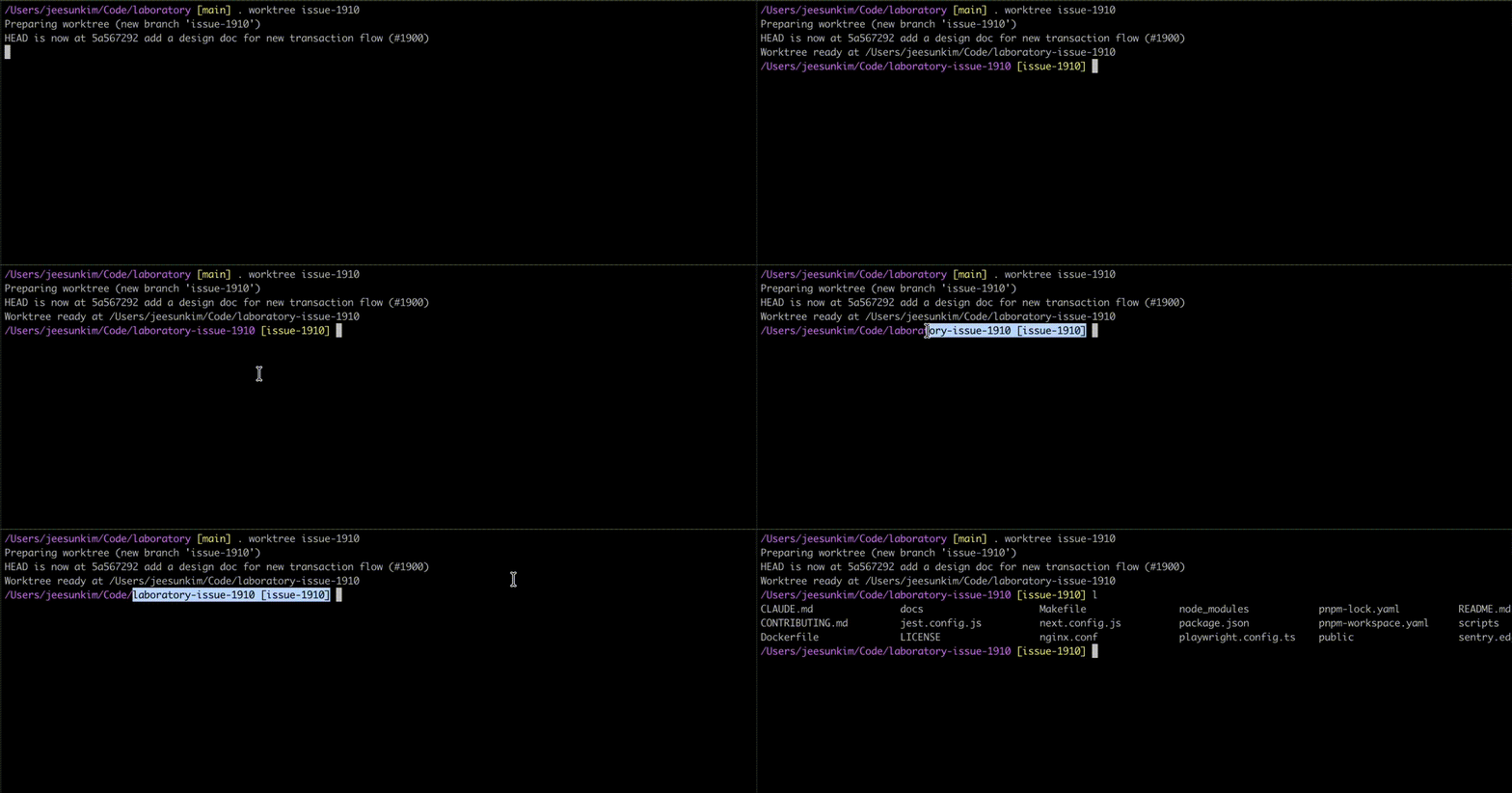
. worktree at work - notice the new repo assigned to a different branch createdIf you have worktrees running in your repo, you can see them via git branch since git worktree shares the same .git database. When you want to remove a worktree branch, you need to run git worktree prune first before git branch -D.
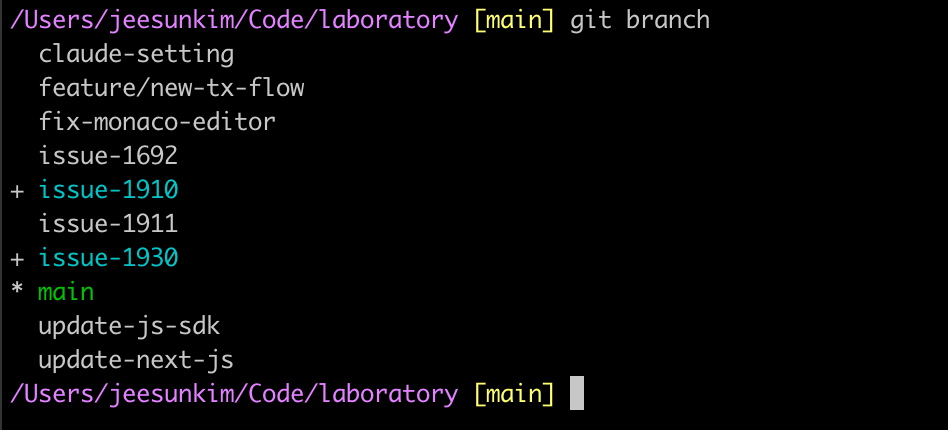
issue-1910 and issue-1930 are branches checked out by git worktreeFigma MCP
The first time I used Figma MCP was at Cursor Cafe held in September, 2025. It was recommended to use a desktop version of the MCP server back then and that's still what I use today even though Figma's official recommendation is to use remote server. Desktop version works fine so I haven't felt the need to switch 😬.
My experience with the initial Figma MCP was better than I expected. CC was able to get design context and a screenshot of the component then it generated code; however, I was frustrated that CC wasn't able to detect whether the component it was building already existed or not. CC would create a component from scratch when connected to MCP. This is now solved with skills/figma-to-code/SKILL.md. Figma MCP and the skill complement each other very well.
I use Figma MCP to:
- Generate code from selected frames: Select a Figma frame and turn it into code. This is handy when building a new feature or writing a design doc
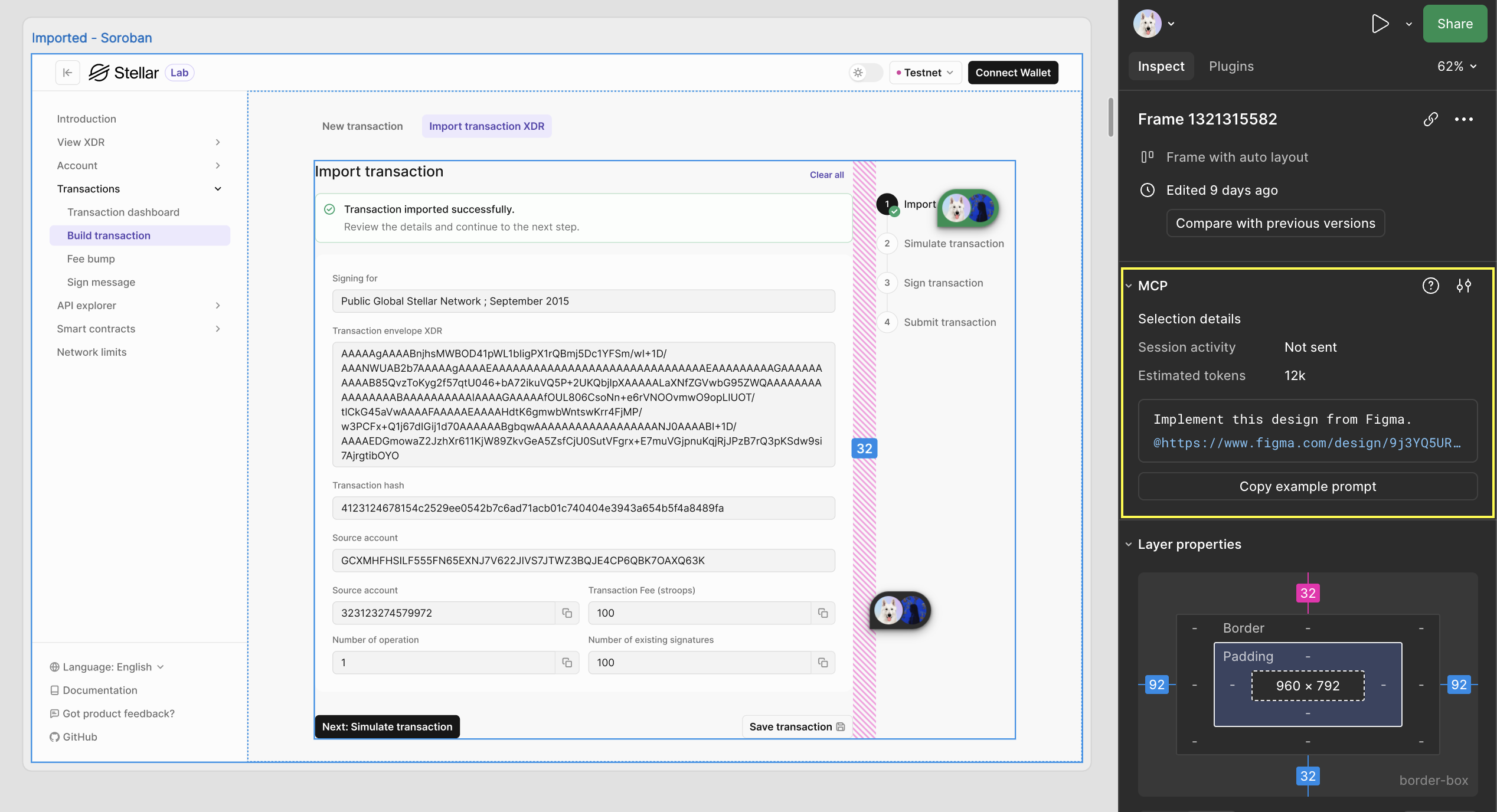
- Extract design context: Pull in variables, components, and layout data directly into your IDE. This is especially useful for design systems and component-based workflows
I have yet to try creating/modifying native Figma content directly from MCP client. This is listed as high priority on my to do list for my personal projects.
skills/component-guide and skills/figma-to-code come in handy with our current Figma MCP setting. It reinforces CC to reuse existing and design system components. Our designer and I are excited to implement Figma's Code Connect, which connects components in codebase directly to components in Figma design. Once this goes live, I may no longer need these skills, but until then, I can't live without these skills in my workflow.
The plan is to implement Code Connect with a design system library, Stellar Design System first then projects that use Stellar Design System after.
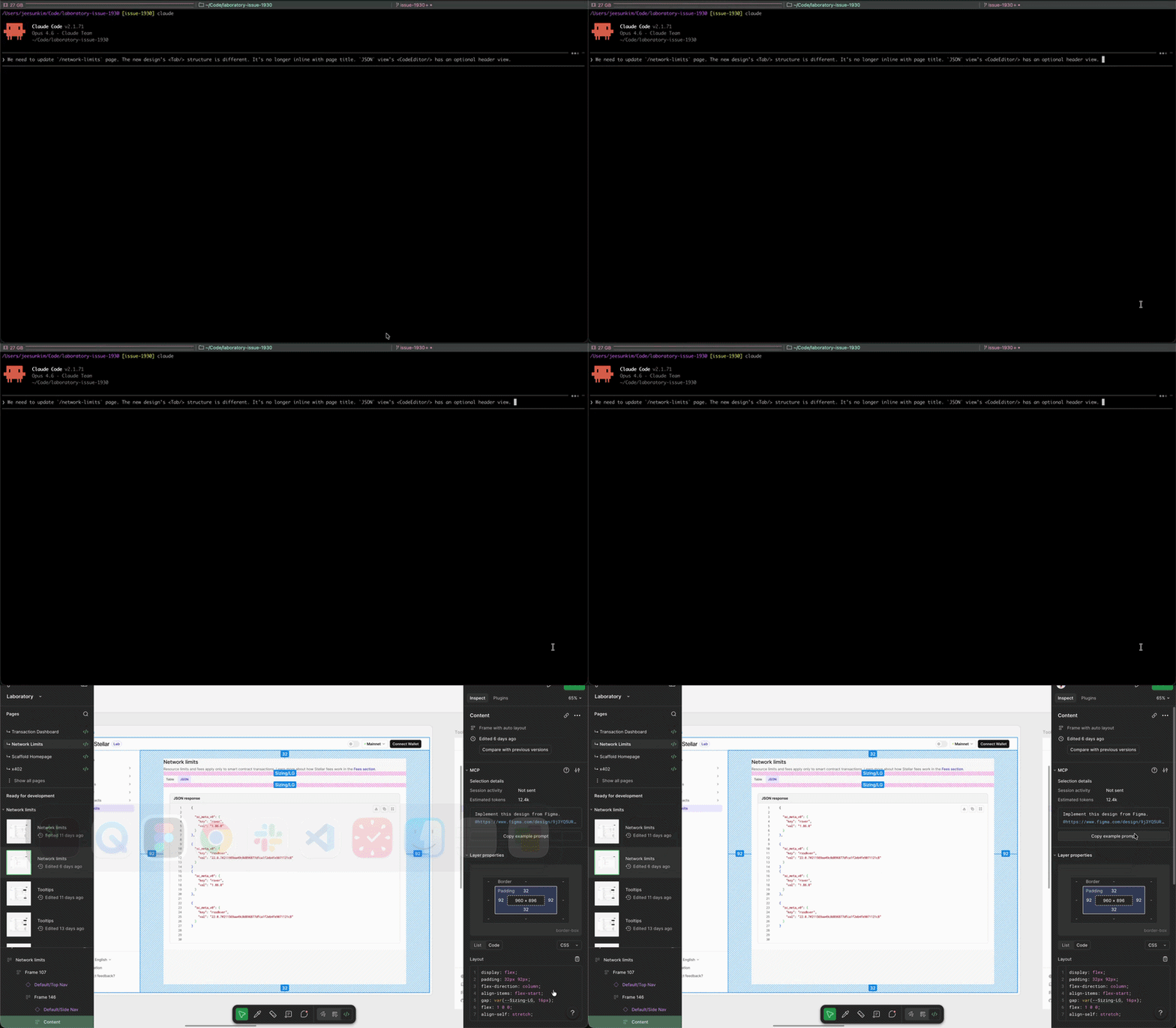
Does CC's output perfectly match Figma design? No, but it's pretty darn close.
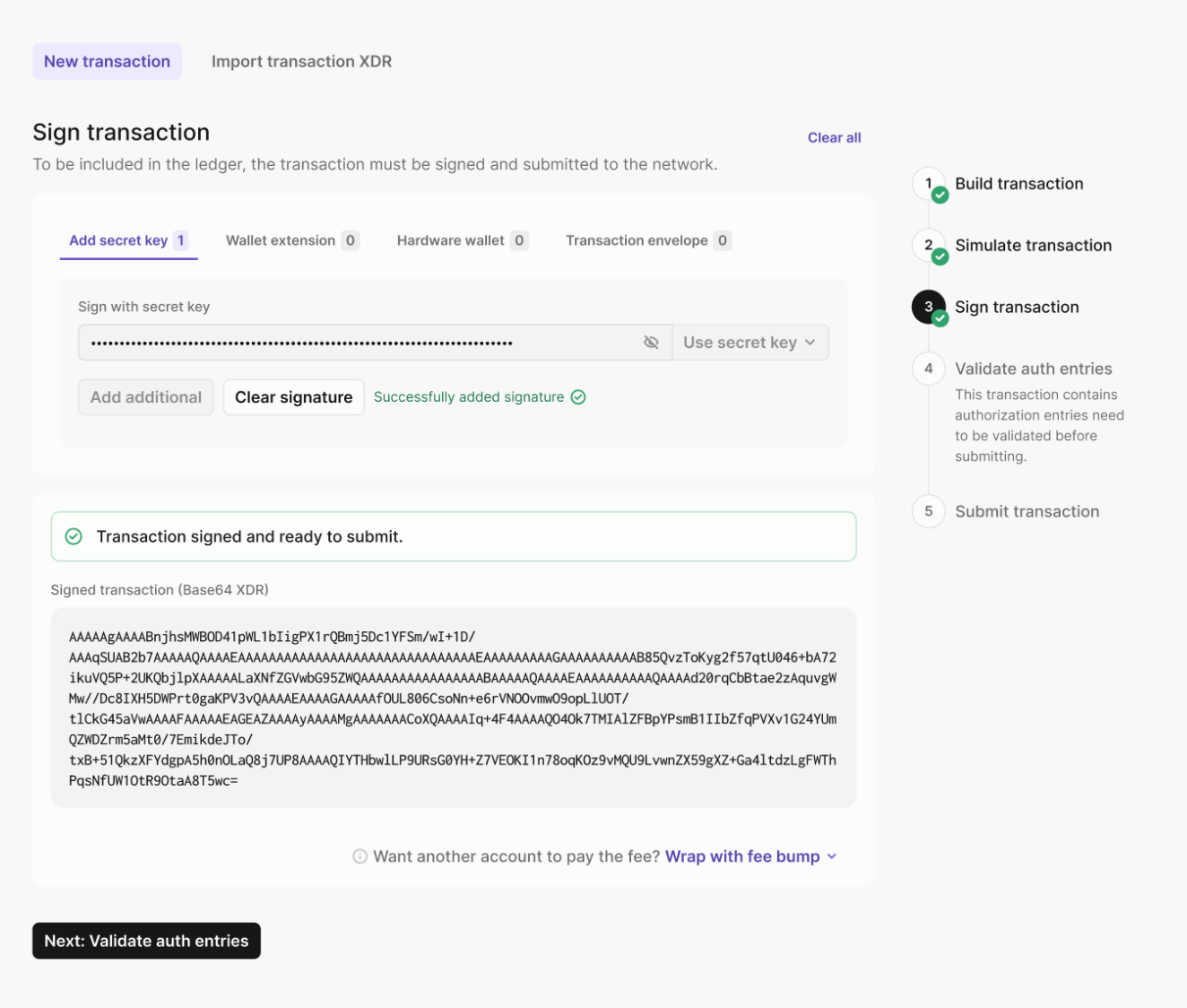

(left) figma design (right) what CC output with figma mcp
CLAUDE.md
I created CLAUDE.md in February with copilot. It created a massive 557 lines of CLAUDE.md file. Since then, I've moved over domain specific content to .claude/skills (link) The general rule of thumb for CLAUDE.md is to keep it lean and only contain the information that will be used by every CC session: Project overview, a list of tech stack without going in details since CC likely already knows about them, dev commands, and hard constraints are recommended to go in CLAUDE.md.
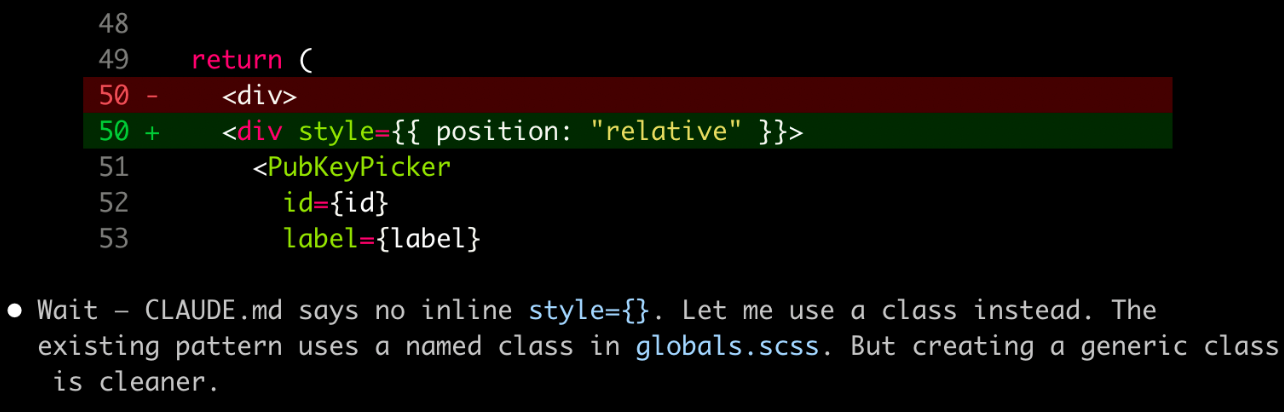
skills/component-guide from CLAUDE.mdI really liked JSDoc comments added for new functions addition in CLAUDE.md because it adds a reference to docs it used which helps both agents and human readers.
Skills
I think of skills as knowledge or workflows that I want CC to know because either they gets used a lot. Good examples of this are:
skills/figma-to-codebridges Figma MCP output to Stellar Lab code conventions. It keeps the purpose, workflow steps, and common pitfalls for AI (for example, "don't copy literally" instructions). It includes areferencefolder withfigma-mapping.mdwhich holds all the information on mapping the figma elements to sds components, variables, and layout/responsive patternsskills/component-guidekeeps the conventions (do/don't), file structure patterns, and templates. It runs when building React components using@stellar/design-systemand project SCSS conventions. It includes areferencefolder withsds-components.mdto reference data on the full component catalog and all props patterns
or CC often outputs wrong content. Good example of this is:
skills/react-rerender-mental-modelsprevents CC from early optimizing memoization early by usinguseMemo
Skill's metadata in YAML frontmatter is important. I rarely have to manually run my individual Skills in command line because all of my Skill's description in metadata includes a clear trigger condition. It gets auto invoked by CC. I have commit-progress skill that I run manually sometimes by typing in /commit-progress in CC because it doesn't get auto invoked unless file changes are significant as described in description.
I highly recommend reading Anthropic's How Skills work section because it shows how important Skill's metadata is. Like CLAUDE.md, Skills' metadata gets always loaded into CC's memory at the start of the conversation.
You can see what gets loaded in each CC session by running /context.
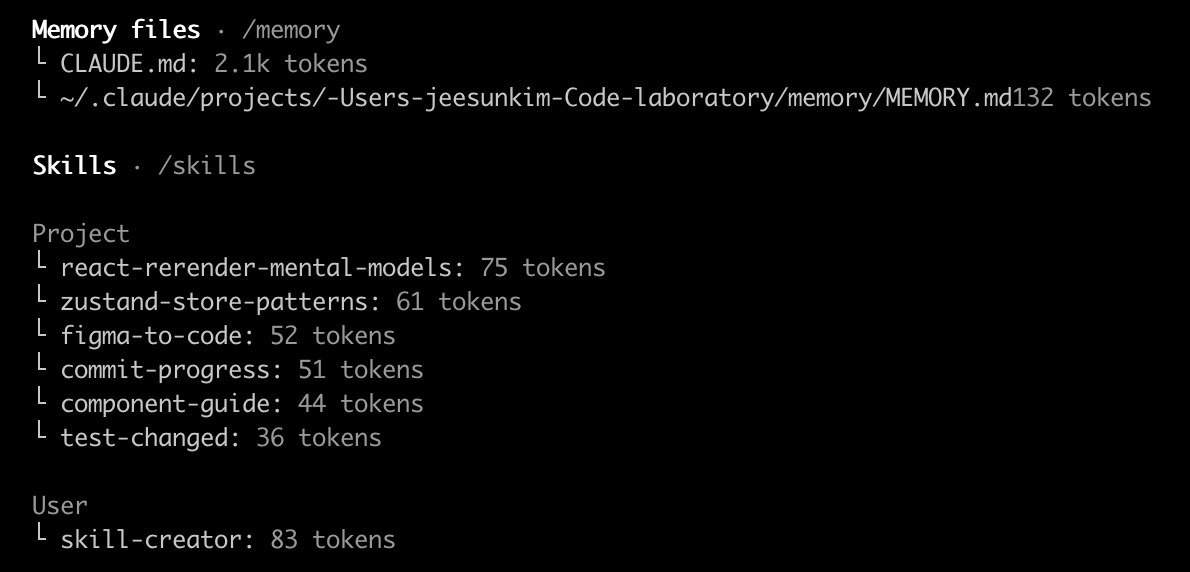
SKILL.md file. This file includes metadata (name and description, at minimum) and instructions that tell an agent how to perform a specific task. Skills can also bundle scripts, templates, and reference materials — use the read_files frontmatter to auto-load them when the skill is invoked.Just like CLAUDE.md, it's also recommended to keep SKILL.md lean so I keep /references folder within each skill folder once SKILL.md gets big.
Other tools I tried: Agent Team & Playground
I used Agent Team to review the design doc that I wrote with CC. I was overall happy with the outcome; however, I was uncertain about moving the previous saved session state from zustand-querystring to session storage so I created agent teams made of UX team, tech architect, and devil's advocate for feedback on session storage state.
It was cool to see agent teams in action, but it was an overkill for this use case. Our product managers find this very useful though. They can test their ideas with multiple engineers and stakeholders within agent team.
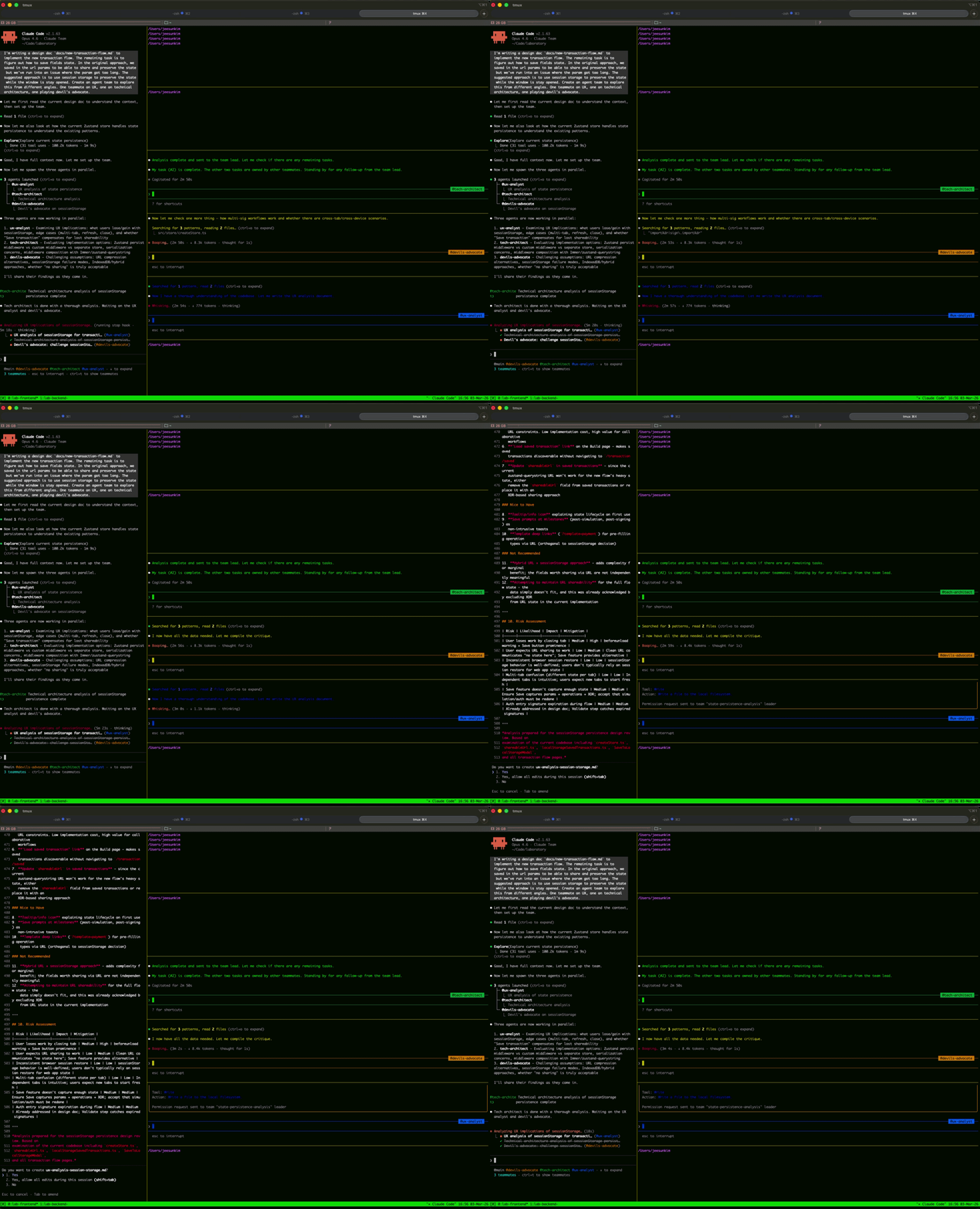
.claude directory, you can find an inbox directory with files that save some communication between themAt the time of this writing, you have to enable agent teams in .claude's settings to run it.
// settings.local.json

"env": {
  "CLAUDE_CODE_EXPERIMENTAL_AGENT_TEAMS": "1"
}
.claude
I am going to add two more sections in this blog post. One is to eval skills using skill-creator. I haven't tried this yet, but once I do. It will be added here. Second is implementing a subagent.
It's been an interesting Q1 as I integrated AI into daily frontend workflow. It wasn't an easy process. There is so much information out there. February was a stressful month for me because I felt so behind with AI when I compared myself to AI enthusiasts on X. It felt like the hot trends became obsolete in a matter of weeks. AI felt and is so open ended. I didn't know where to start.
Then I slowly realized that I needed to stop comparing my usage of AI to others since everyone's project was different and AI calibrates differently depending on project, all I had to do was to start and implement changes as I go. This shift in mindset improved my headspace and I feel less stuck now. This is to say what works for my projects might not work for your project and if you feel overwhelmed by AI, you are not alone.